 Tallihaus
Your home, your money and its upkeep. In one calm place.
Track bills, your mortgage, appliances and maintenance, find savings you'd miss, and buy your next home with your eyes open.
Coming soon to iPhone and Mac. No account needed.
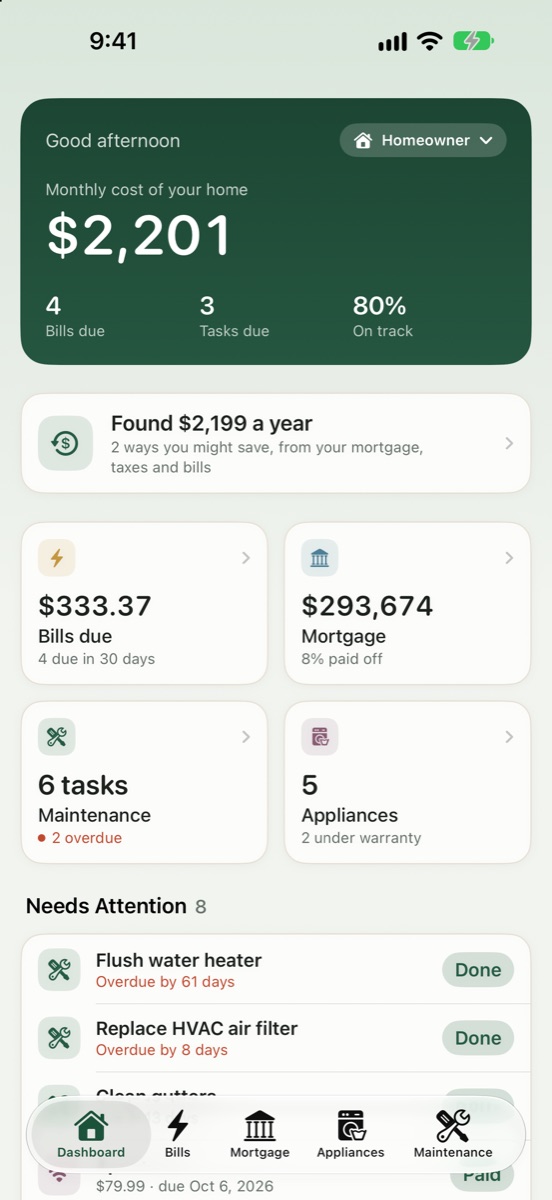
Do you have the keys yet?
Tallihaus asks the same thing when you open it, and sets itself up for where you are.

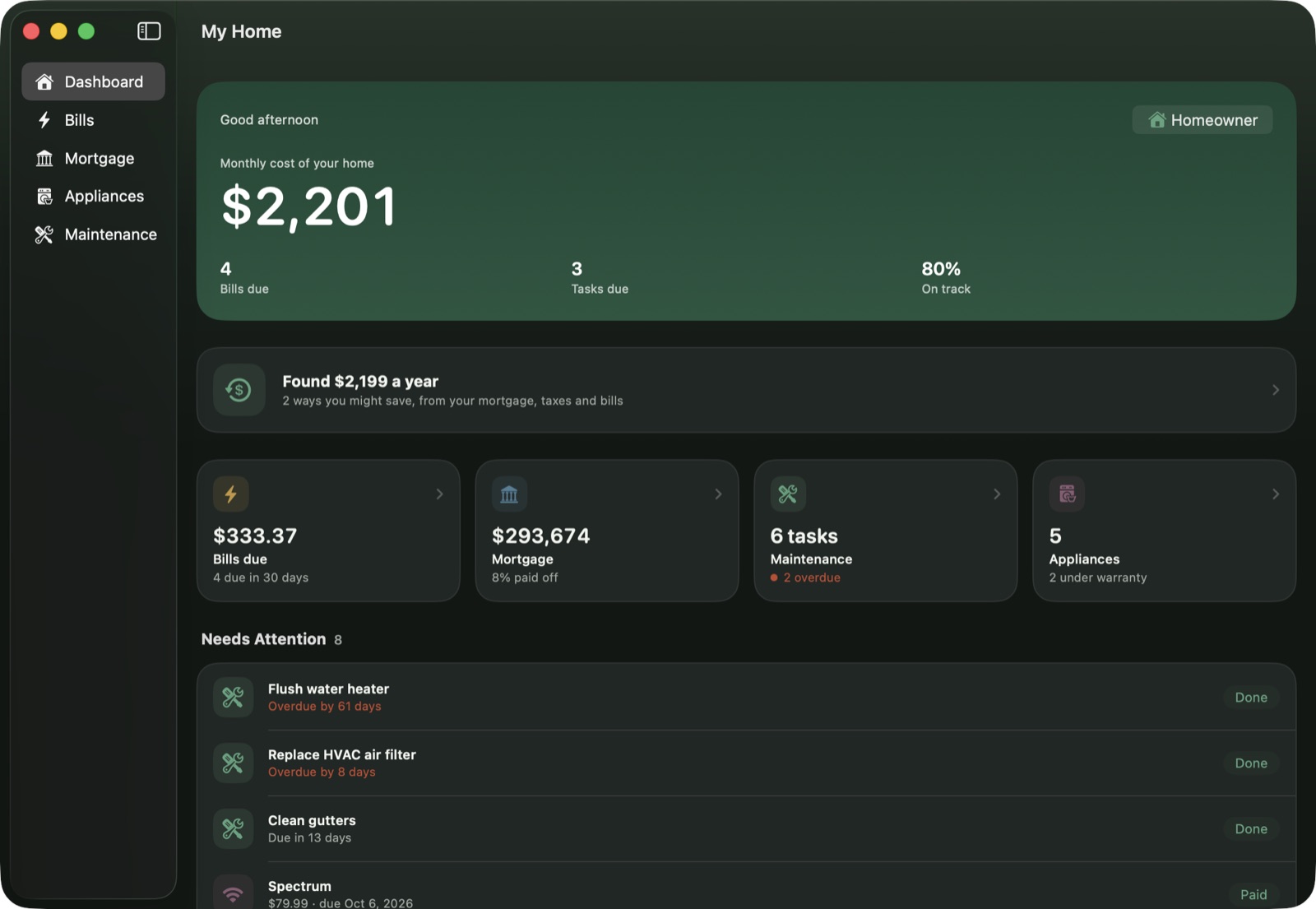
At home on the big screen too
Tallihaus is built for both iPhone and Mac, so the budget and paperwork are easy to work through at a desk.
Your home's details are nobody else's business
There's no account to create and nothing to sign in to. What you enter stays on your device, and backups go only where you put them.
Questions
When can I get Tallihaus?
Tallihaus is in testing now. Email tallihaus@outlook.com to join the free beta through Apple's TestFlight app. It will come to the App Store after that.
Does it work where I live?
Yes, anywhere in the United States. Add your ZIP code and Tallihaus uses your state's typical property taxes and the National Weather Service forecast for your area. It never uses your phone's location.
I just downloaded it. Where do I start?
A short Get Started list walks you through it: your ZIP code, your mortgage, a bill, an appliance label and your maintenance tasks. Buying instead? It starts with your budget and the homes you like. Each step takes a minute or two.
Do I need to create an account?
No. There's nothing to sign up for. Open the app and start.
Where is my information stored?
On your iPhone or Mac. Tallihaus doesn't have servers that hold your records. You can back up to iCloud Drive or anywhere you choose.
Does it connect to my bank or utility account?
No logins needed. Add a bill by taking a photo, opening the PDF, or typing it in, and Tallihaus reads the details for you. Your mortgage works the same way: choose your Closing Disclosure, amortization schedule or a statement and the loan fills itself in.
Is this financial advice?
No. Affordability, refinancing, savings and payoff numbers are estimates to help you plan. Talk with a licensed lender or advisor before you decide.
What devices does it work on?
iPhones running iOS 18 or newer, and Macs running macOS 15 or newer.
How do I send feedback or report a problem?
In the app, open Settings & Backup (or the menu at the top of the home screen) and tap Send Feedback. It starts an email with your app version and device filled in, so we can look into it quickly.